Install Qvasa
Install from the Zendesk Marketplace as an admin. Qvasa provisions your account, webhook, and event trigger automatically. No API keys to copy, no pipeline to build.
Install from Zendesk Marketplace
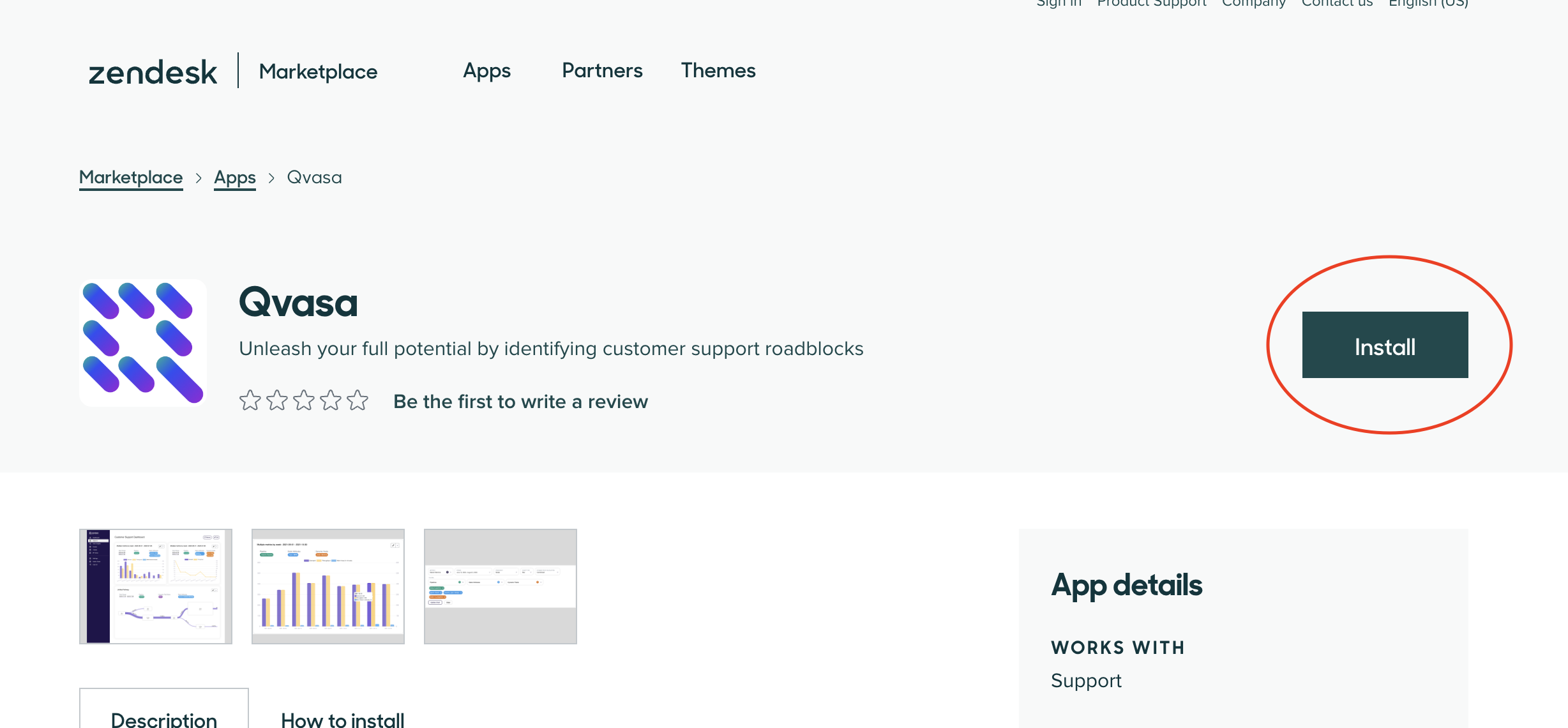
Open our app on the Zendesk App Marketplace and click "Install". A Zendesk Admin is required. That single click is the whole setup: Qvasa creates your account, webhook, and event trigger for you.
Verify Installation
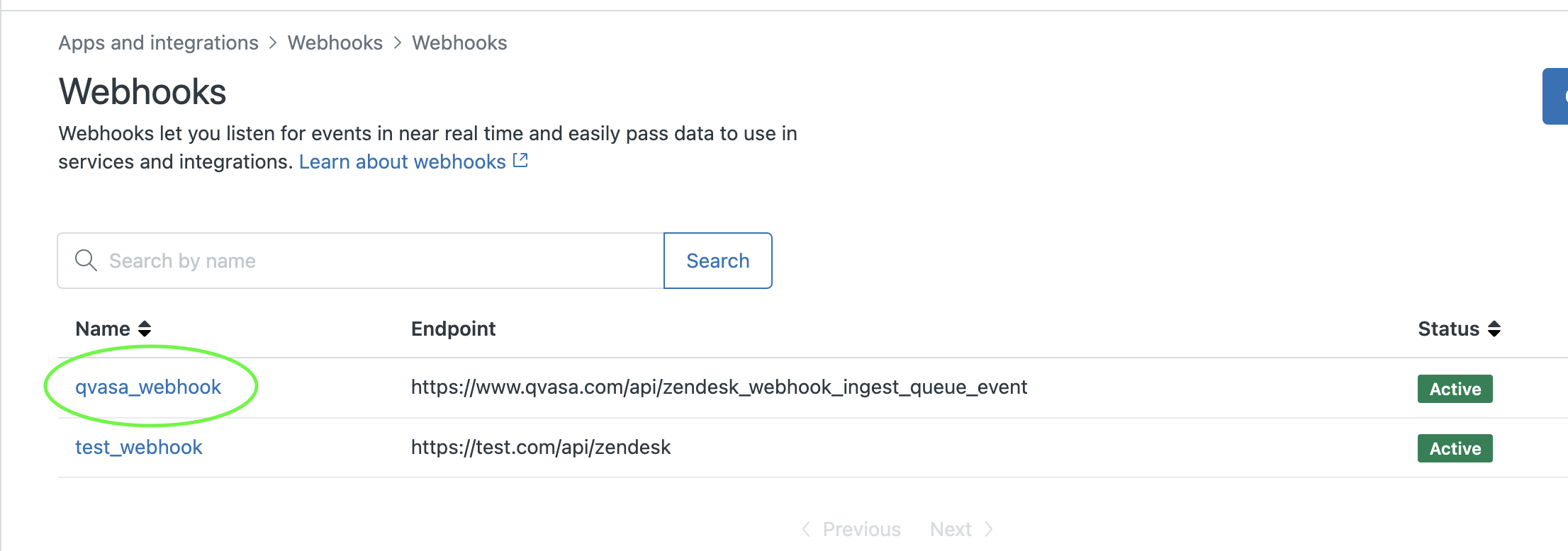
Auto-provisioning usually finishes within a couple of minutes. To confirm the webhook was created:
- Go to your Zendesk Admin Center
- Navigate to Apps & Integrations → Webhooks
- Look for a webhook named
qvasa_webhook
Don't see the webhook?
If the webhook hasn't appeared yet, try these steps:
- As a Zendesk Admin, navigate to your Zendesk Dashboard
- Wait 2 minutes for the app to fully install
- Check the webhooks page again
Still having trouble? Contact our support team and we'll help you get set up.
Not on Zendesk?
Qvasa also connects to Sunshine Conversations, Quiq, and more. Browse the full list of integrations, or request a demo and we'll walk you through connecting your platform.
Ready to get started?
Once installed, your data starts flowing automatically. Schedule a call to get personalized onboarding.